
Best Screen Sharing Software for Sales in 2026: CrankWheel vs. Demodesk, Vidyard, Loom, BombBomb, Screenleap & Upscope
- Sales screen sharing software eliminates technical friction during live calls to increase prospect engagement and conversion.
- Choosing the right tool depends on whether your sales motion is synchronous, asynchronous, or scheduled.
- CrankWheel excels at spontaneous, zero-friction screen sharing during live phone calls for immediate deal closing.
- Demodesk provides structured, virtual meeting environments for formal enterprise demonstrations and sales team coaching.
- Asynchronous tools like Vidyard and Loom support outreach and internal documentation rather than live closing.
Sales screen sharing software is a category of sales engagement technology that allows sales representatives to broadcast their computer screens to prospects in real-time. Knowing how to choose sales screen sharing software is critical because these platforms facilitate visual demonstrations by generating instant links that prospects can open in any web browser without downloading external applications. By eliminating technical friction, screen sharing software ensures that sales presentations remain focused on the value proposition rather than troubleshooting connectivity issues.
Conducting a live screen share with a prospect often presents technical challenges. Increased technical friction during a screen share session correlates with higher prospect drop-off rates and sales disengagement. This guide compares seven popular screen-sharing platforms against CrankWheel to help you choose the best tool for your sales team.
Summary of the Best Sales Screen Sharing Software in 2026
Here is what each platform does best:
- CrankWheel: Best for live, zero-friction phone call demos. The salesperson sends an instant SMS/email screen share link that works on any device, no downloads required
- Demodesk: Best for scheduled virtual demos with interactive co-browsing features for structured sales presentations
- Vidyard: Best for asynchronous video prospecting and sending recorded walkthroughs to warm leads
- Loom: Best for internal async video communication and quick screen + webcam recordings
- BombBomb: Best for video email campaigns where sales reps record personal messages into outbound email sequences
- Screenleap: Best for lightweight browser-based screen sharing when simplicity is the only requirement
- Upscope: Best for interactive co-browsing and phone-based visual selling with guided customer interaction
How Technical Friction During Sales Demos Impacts Conversion Rates
Technical barriers that prevent a prospect from viewing a salesperson’s screen directly reduce the likelihood of closing a deal. This phenomenon is often referred to as the ‘Third Law of Screen-Sharing’ within sales engagement circles. Requiring a prospect to install software or navigate waiting rooms during an active phone call creates friction that can stall the sales cycle.
SMB sales teams in particular (looking at you insurance, financial services, home services, telecom, etc.) are moving away from traditional video conferencing for exactly this reason. Their buyers are often older, less tech-savvy, and have no tolerance for a technical obstacle during a conversation.
Here’s a scenario we see play out all the time. A top-producing insurance agent connects with a senior client who needs to see a Medicare benefit comparison chart. The client can’t install the video meeting app. The deals about to go south, but then the agent sends a CrankWheel SMS link. The client tapped it, instantly saw the agent’s screen, and the deal closed in minutes.
That is what we mean by zero friction screen sharing.
The platforms on this list take three different approaches to this problem. The right tool for you is going to be the one that matches your sales motion.
Three Categories of Video Communication and Sales Engagement Software
Live synchronous screen sharing : Live synchronous screen sharing refers to real-time visual broadcasts where a sales representative shares their screen while speaking with a prospect via a phone call. The prospect clicks a link and immediately sees what the rep is showing. No video, no webcam, just the screen, the voice call, and the content.
Scheduled virtual meetings: A structured meeting is booked in advance, both parties join a virtual room, and the demo happens at the scheduled time. More formal and feature-rich, but also introduces more friction.
Asynchronous video messaging: A rep records a video of themselves or their screen (or both) and sends it for the prospect to watch at their own pace. Effective for nurturing and outreach, but not a replacement for a live closing conversation.
Comparison Table: Sales Screen Sharing Software Features and Pricing
| Tool | Best For | Approach | Zero Download? | Starting Price | Free Plan |
|---|---|---|---|---|---|
| CrankWheel ✓ Winner | Live phone call screen sharing | Instant SMS/email link - synchronous | Yes - 100% browser | $15/mo Solo; Team from $99/mo | Yes |
| Demodesk | Scheduled virtual demos | Virtual browser, co-browsing | Yes - virtual browser | From €49/mo (varies by product) | No (trial) |
| Vidyard | Async video prospecting | Record & send video messages | Yes - for viewers | Free; Starter and Teams (custom) | Yes |
| Loom | Internal async video | Screen + webcam recording | Yes - for viewers | $18/user/mo | Yes |
| BombBomb | Video email outreach | Async video in email | Yes - for viewers | $42/user/mo (monthly billing) | No (trial) |
| Screenleap | Basic screen sharing | Browser-based screen share | Yes - browser-based | $15/mo | Yes - 40 min/day |
| Upscope | Interactive co-browsing and visual selling | Co-browsing, document sharing, sales presentations | Yes - browser-based | $29/mo solo or $42/user/mo (monthly billing) team | 2-week trial |
1. Demodesk: Best for Scheduled Virtual Sales Presentations
G2 Rating: 4.6-4.9 out of 5 (depending on product listing)
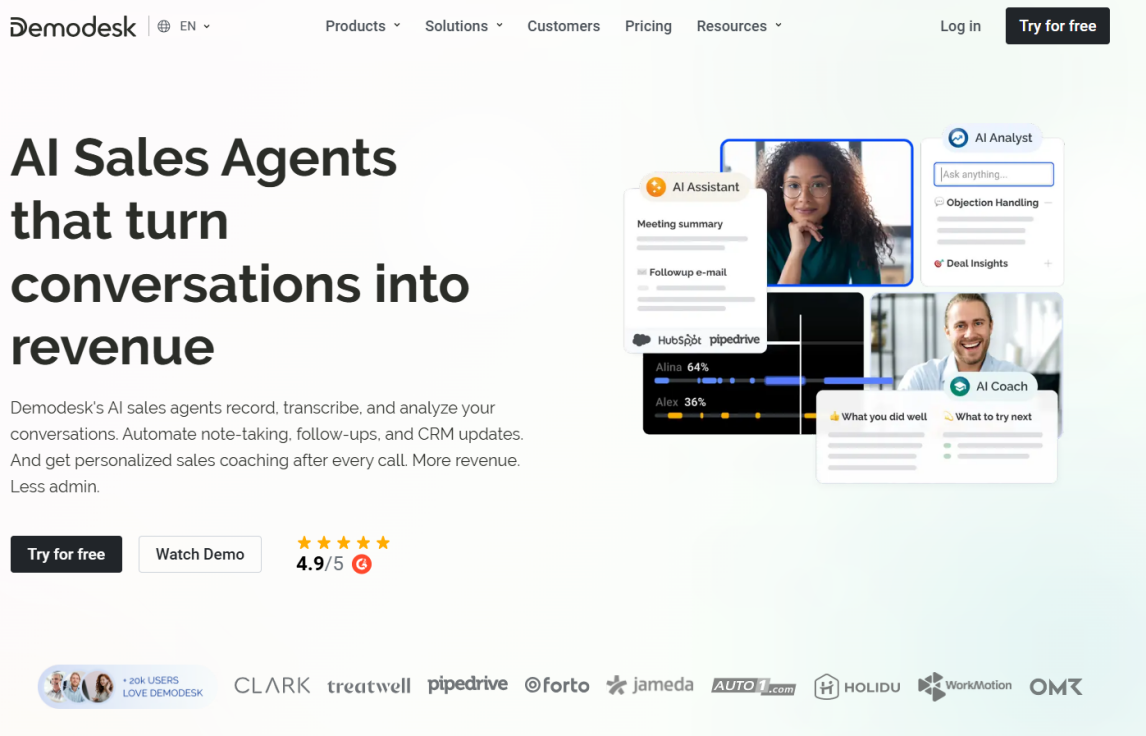
Core Capabilities of Demodesk for Sales Teams
Demodesk is a virtual sales meeting platform built for revenue teams that run structured, scheduled demos. Rather than sharing a real screen, Demodesk hosts a virtual browser in the cloud with which both the rep and the prospect interact.
Demodesk is a strong choice for inside sales teams running discovery calls and product demonstrations where preparation, structure, and coaching visibility matter.
Key Features of the Demodesk Virtual Meeting Platform
- Cloud-hosted sessions: Both parties interact with a virtual browser. No real screen is ever shared
- Playbook integration: Pre-loaded meeting rooms with branded content, scripts, and enablement materials
- Sales coaching tools: Real-time coaching via manager sidebars and live note-taking during calls
- Deep CRM integration: CRM logging, calendar sync, and workflow automation with Salesforce and HubSpot
- Performance tracking: Meeting analytics including talk time, content usage, and engagement scoring
Comparing CrankWheel and Demodesk for Live vs. Scheduled Demos
Demodesk is built for scheduled, structured meetings. CrankWheel is specifically designed for spontaneous, unscheduled presentations during live sales calls. It’s for those live phone calls where the prospect is ready at that moment and you need to show them something immediately.
Demodesk wins for enterprise teams running structured onboarding and multi-stakeholder demos. CrankWheel wins when speed and zero friction are the priority.
Demodesk Pricing and Subscription Models
Demodesk pricing varies by product. Its current public pricing page lists Coaching & AI at $49 per month with a 14-day free trial, while G2 lists Demodesk Meeting at $79 per seat per month. Exact pricing may depend on product, package, and contract terms.
2. Vidyard: Best for Asynchronous Video Sales Prospecting
G2 Rating: 4.5 out of 5
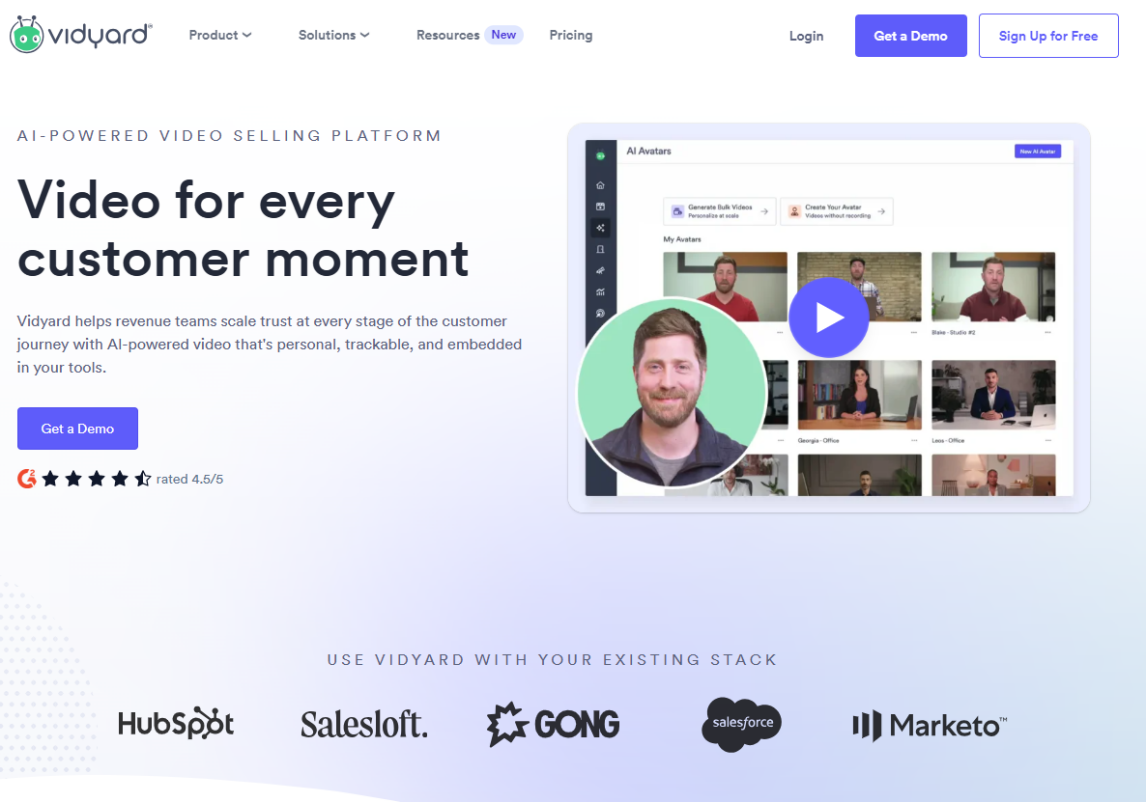
Vidyard’s Role in Asynchronous Video Outreach
Vidyard specializes in asynchronous video messaging, allowing sales representatives to send pre-recorded video messages for outreach. Reps record short, personalized videos. Usually it’s a face-to-camera message overlaid on a screen recording. They then send those videos out in cold emails or LinkedIn messages. The prospect watches at their convenience and can reply or book a meeting directly from the video page.
Vidyard has since expanded into AI-generated sales videos, hosted video libraries, and buyer engagement analytics, making it one of the more feature-rich async video platforms on the market.
Key Features of Vidyard for Video Engagement
- Screen and webcam recording: Record screen, webcam, or both with one click from Chrome or the desktop app
- AI video creation: AI-generated sales videos and personalized video at scale using prospect data
- Video hosting and analytics: Hosted video libraries with analytics showing who watched, for how long, and when
- In-video CTAs: CTA buttons, contact forms, and calendar integrations embedded directly on the video page
- CRM integration: Salesforce and HubSpot integration to log video views and trigger follow-up sequences
Comparing CrankWheel for Live Conversion vs. Vidyard for Outreach
Vidyard and CrankWheel are solving different problems. Vidyard is built for top-of-funnel outreach. You send a video to a cold prospect and hope they watch it. While CrankWheel does offer this functionality, CrankWheel is also built for bottom-of-funnel conversion. You have a live, engaged prospect on the phone and you need to close them now.
On pricing: Vidyard’s Teams plan uses custom pricing that scales per seat. CrankWheel’s team plan starts at $99 per month flat for the entire team, regardless of size. This gives it a significant cost advantage for larger teams.
Vidyard Pricing Structure
- Free: Free plan: Unlimited video recording with Vidyard branding and basic analytics
- Starter: Starter plan with expanded features including custom branding, enhanced analytics, and CRM integrations
- Teams: Teams plan with custom pricing that include advanced analytics, AI video features, and enterprise integrations
- Enterprise: Custom pricing for enterprise video libraries, SSO, dedicated support, and Video Agent capabilities
3. Loom: Best for Internal Asynchronous Video Communication
G2 Rating: 4.7 out of 5
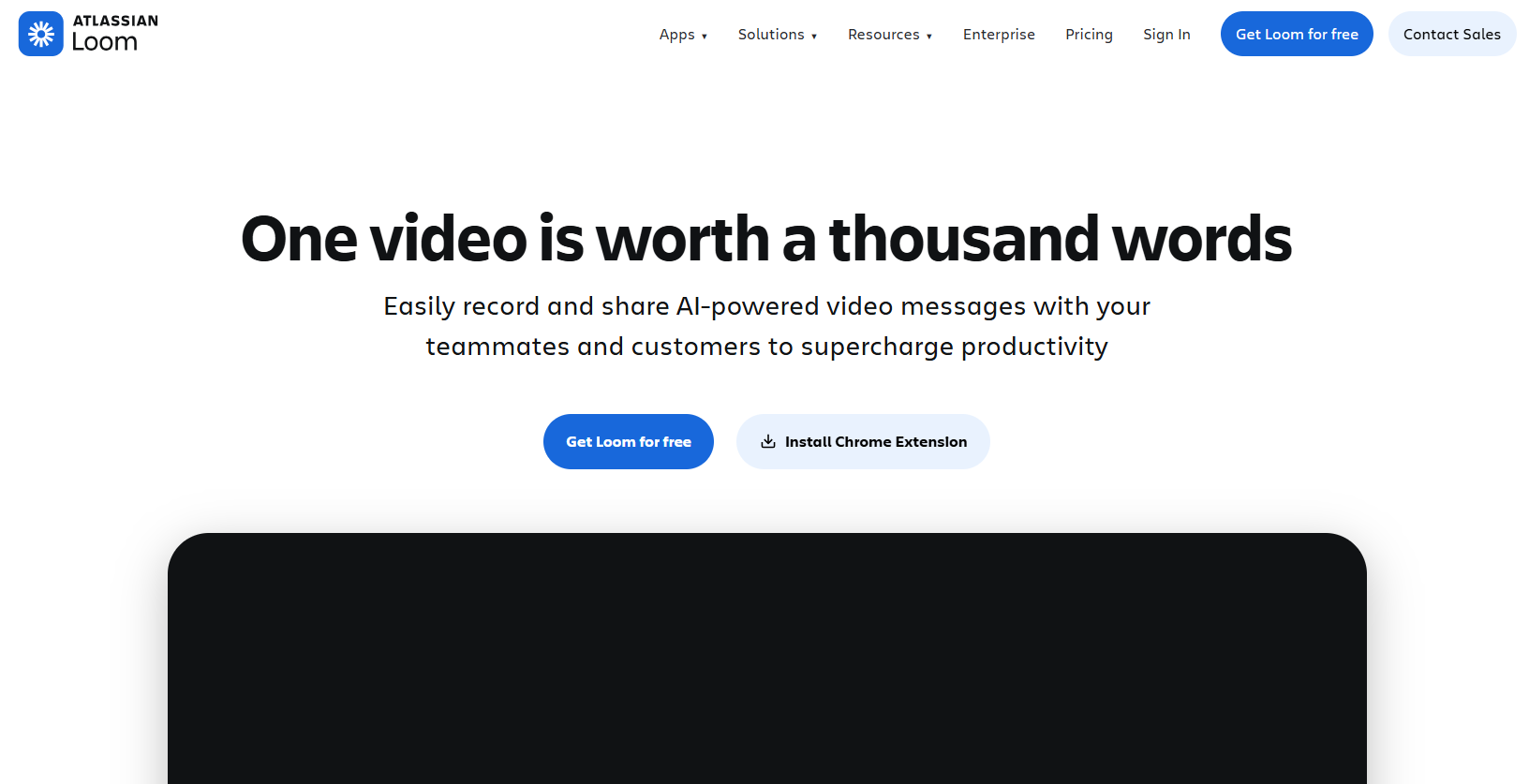
Loom’s Use Case for Video Messaging and Documentation
Loom is another async video communication platform widely used for internal team communication. Employees record quick screen walkthroughs, feedback videos, and project updates instead of scheduling meetings. Loom videos are easy to create and share. They also support threaded comments.
While some sales teams have adopted Loom to support their outreach, it is primarily positioned as an async video communication tool for teams, not as a live sales screen sharing tool. Its primary strength is internal communication and documentation.
Key Features of Loom for Team Collaboration
- Quick screen recording: One-click recording of screen, webcam, or both via the Chrome extension or desktop app
- Immediate link sharing: Instant shareable link generated immediately after recording. No upload required
- AI summaries: AI-generated titles, summaries, and chapters for longer recordings
- Engagement features: Viewer reactions, emoji responses, and threaded comment threads on video pages
- AI editing: Automatic filler word removal and silence trimming to tighten recordings
Comparing CrankWheel for Real-Time Sales vs. Loom for Async Updates
Loom is built around the premise that both parties are not in the same conversation at the same time. Loom videos require the prospect to watch something after the call, remember to find the link, find time to view it, and then reconnect with you. As a note, Crankwheel provides this functionality as well, but can also keep the prospect engaged during the call, which is when they are most likely to make a buying decision. Loom is excellent for internal documentation, onboarding, and follow-up. It is not a live demo tool.
Loom Pricing and AI Features
- Starter (Free): Free plan: Up to 25 videos, 5-minute screen recordings, and unlimited meeting recordings
- Business: $18 per user per month with unlimited videos, extended recordings, and drawing tools
- Business + AI: $24 per user per month. This plan includes AI features along with video enhancement, editing, and automated recaps
- Enterprise: Custom pricing that can include SSO, SCIM, advanced content controls, and admin insights
4. BombBomb: Best for Video Email Outreach and Nurturing
G2 Rating: 4.7 out of 5
BombBomb’s Specialization in Video Email Delivery
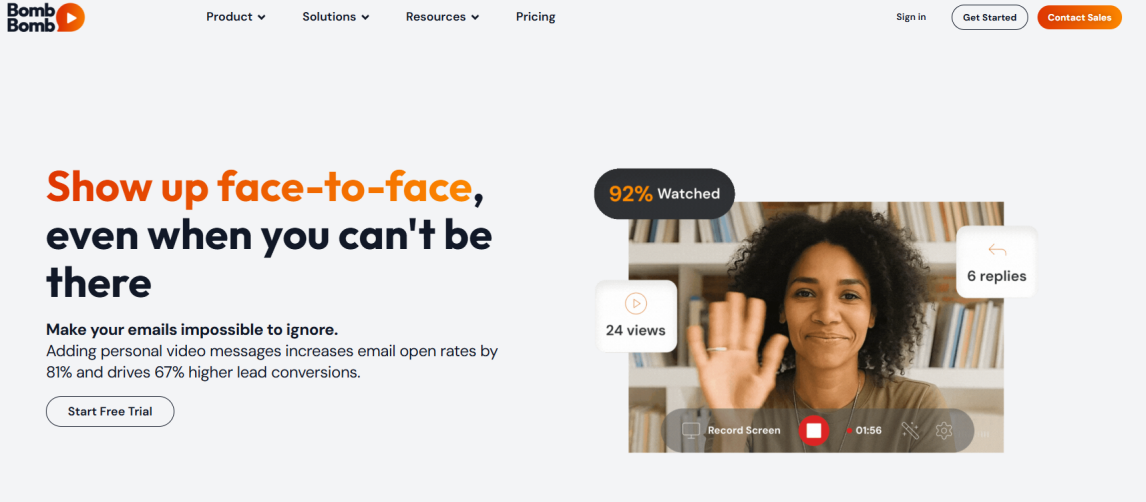
BombBomb combines video recording with email delivery, making it a purpose-built tool for sales reps who want to stand out in the inbox. Instead of boring text emails, a BombBomb message shows the prospect an animated video thumbnail. Once the user clicks on the thumbnail, the video plays. It is widely used in real estate, financial services, and mortgage industries.
BombBomb’s platform includes email tracking, video analytics, and the ability to send video messages directly from Gmail or Outlook via a browser extension.
Key Features of BombBomb for Personalized Email Sequences
- Video email creation: Record and send short videos inside Gmail, Outlook, or the BombBomb platform directly
- Inbox video thumbnails: Animated GIF preview in the recipient’s inbox to increase open-to-play rates
- Real-time notifications: Alerts when a recipient opens the email and plays the video, enabling timely follow-up
- CRM integration: Salesforce and HubSpot integrations to log video opens and clicks in the CRM
- Templates and screen recording: Pre-built video templates and screen share recording for product walkthroughs
Comparing CrankWheel for Live Closing vs. BombBomb for Email Nurturing
BombBomb is an outbound nurture tool. CrankWheel is a live closing tool. Both are used in sales, but at different stages of the conversation.
BombBomb is ideal for replacing text-based follow-up emails after a call, warming up cold prospects, or adding a personal touch to a proposal delivery. CrankWheel is the tool you reach for when a prospect picks up the phone and you have a live opportunity to close.
BombBomb Pricing and Core Plans
- Core: $42 per user per month (billed monthly) that includes core video email, Gmail and Outlook integrations, analytics. Annual billing savings available.
- Teams: Custom team pricing which adds team features, advanced analytics, and CRM integrations
- Enterprise: Custom pricing for large organizations with enterprise security, SSO, and dedicated support
5. Screenleap: Best for basic browser screen sharing
G2 Rating: 4.2 out of 5
Screenleap’s Approach to Lightweight Screen Sharing
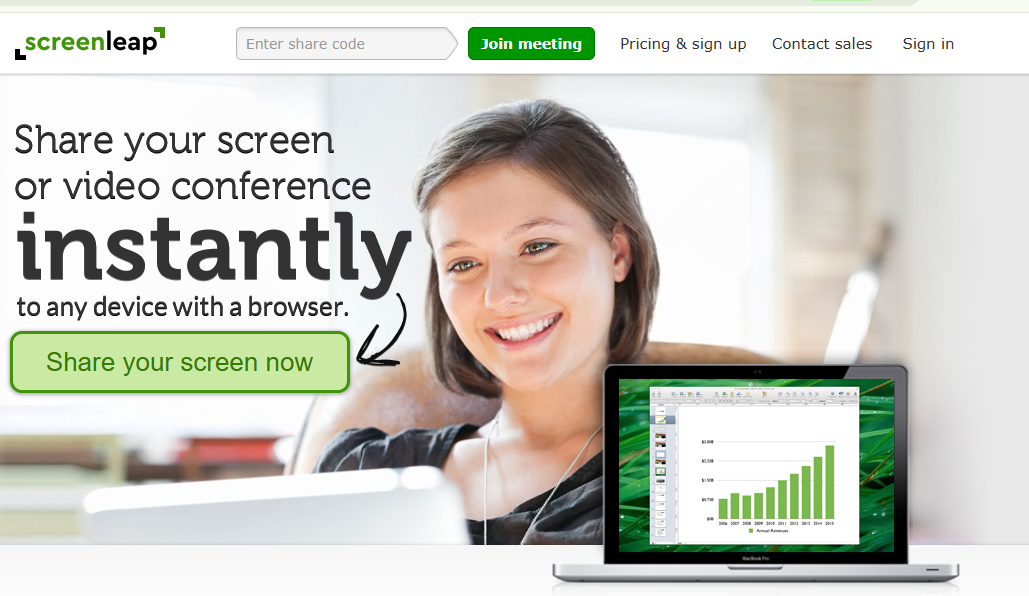
Screenleap is a lightweight browser-based screen sharing tool that lets users share their screen via a web link without requiring the viewer to download software. It is simple, fast to start, and works across all major browsers. It is favored by teams that need a no-frills screen sharing solution for one-off situations.
Screenleap focuses on lightweight screen sharing rather than video conferencing, webcam sharing, or CRM integration. Its value proposition is simplicity: it lets someone else see your screen without the overhead of a full meeting platform.
Key Features of Screenleap for Basic Demonstrations
- Instant screen sharing: Share a screen link via URL. Viewers can join in their browser without downloading anything
- Cross-device viewing: Works on mobile, tablet, and desktop with no account required for viewers
- Remote control option: Host controls allow you to grant the viewer mouse control for interactive demonstrations
- Free tier: Free plan includes 40 minutes per day of screen sharing, up to 8 viewers
Comparing CrankWheel for Sales Engagement vs. Screenleap for General Sharing
Screenleap and CrankWheel are the most similar pair on this list. Both are built for easy screen sharing, but CrankWheel is purpose-built for sales. Crankwheel includes SMS-based link delivery, real-time engagement alerts that tell you if the prospect navigates away from your screen, Salesforce integration, instant lead capture, and a flat-rate team pricing model.
Screenleap, on the other hand, is a general-purpose screen sharing app that doesn’t have those additional features.
If you are a solo freelancer who occasionally needs to share a screen, Screenleap works fine. If you are running a sales team where conversion tracking and CRM logging matter, CrankWheel is the purpose-built choice.
Screenleap Pricing and Session Limits
- Free: 40 minutes per day, up to 8 viewers per session
- Basic ($15/mo): $15 per month which includes up to 8 hours per day, up to 30 viewers, annotation tools
- Team (per host): $19 per month per host which includes additional hosts, up to 50 viewers, and account management
6. Upscope: Best for Interactive Co-browsing and Guided Selling
G2 Rating: 4.7 out of 5
Upscope’s Specialization in Collaborative Co-browsing
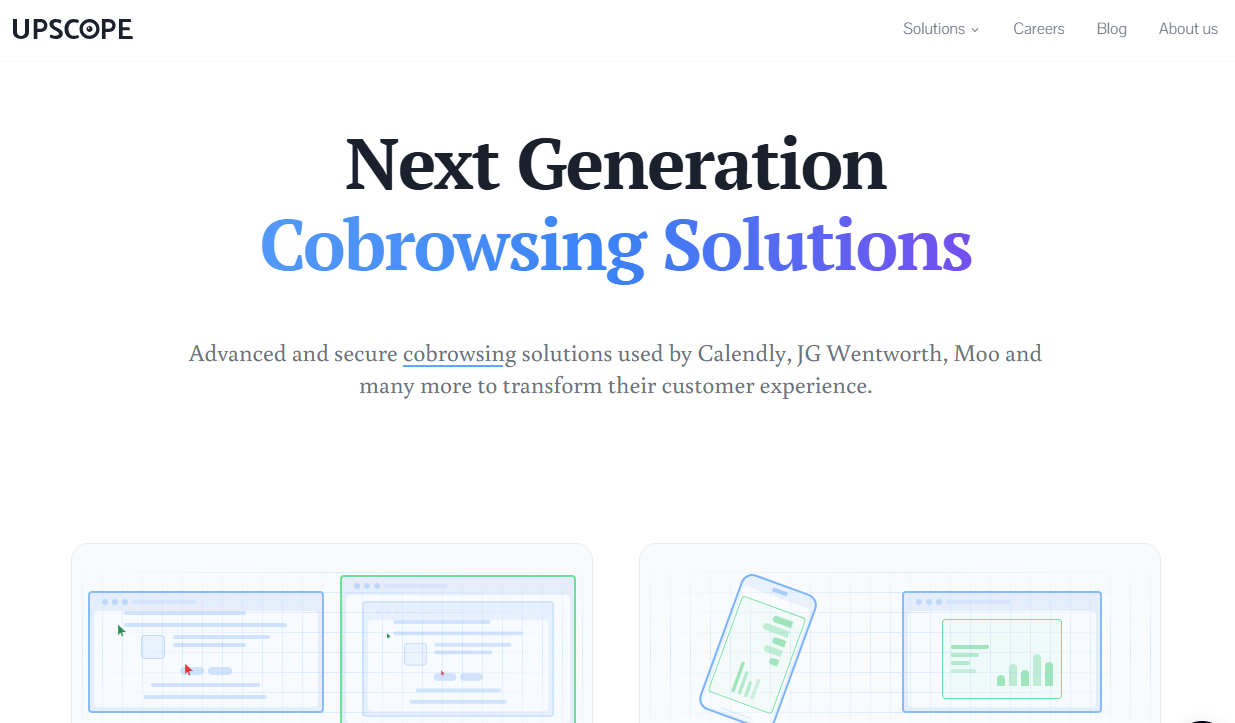
Upscope is a co-browsing and interactive screen sharing platform built for teams that need to guide customers through websites, forms, sales presentations, onboarding flows, and support issues in real time. Its broader product suite includes UserView for customer support, HelloScreen for sales teams, a Co-Browsing API, and LiveDocument for interactive document engagement.
For sales teams, Upscope’s HelloScreen product is designed to help reps share presentations, PDFs, websites, or Salesforce-based materials during a live phone call without forcing the prospect to install Zoom or join a traditional video meeting. Upscope positions this around turning phone conversations into visual sales moments, especially when the rep needs to keep the buyer engaged while talking.
Upscope is especially strong when the sales process involves guided interaction. Specifically scrolling through a web page together, helping a prospect complete a form, walking through a complex purchase, or showing a document while the buyer is still on the phone.
Key Features of Upscope for Real-Time Customer Interaction
- Co-browsing: Lets agents and prospects share a browser experience where both parties can click, scroll, type, and interact with the same page in real time.
- No-download viewer experience: Customers can join through the browser without installing software, which reduces friction during live support or sales calls.
- HelloScreen for sales: Share custom sales presentations, PDFs, webpages, or Salesforce materials to a customer’s phone or device during a live call.
- Collaborative controls: Supports collaborative clicking, scrolling, annotation tools, private tab sharing, and real-time viewer visibility.
- Privacy and compliance controls: Includes field and area masking, role-based access, and audit logs. Upscope links to GDPR and HIPAA resources on its site and references enterprise security features.
- Sales and support use cases: Built for sales enablement, customer support, onboarding, and complex form assistance where seeing what the customer sees matters.
Comparing CrankWheel for Universal Sharing vs. Upscope for Interactive Co-browsing
Upscope and CrankWheel are closer competitors than tools like Loom, Vidyard, or BombBomb because both are designed for live visual engagement rather than asynchronous video. When evaluating how to choose sales screen sharing software, consider that Upscope is strongest when the interaction happens inside a browser or guided digital environment. If a rep, support agent, or onboarding specialist needs to co-browse with a customer, help them complete a form, guide them through a web app, or interact with the same page at the same time, Upscope is a strong option. Its co-browsing model is more interactive than traditional one-way screen sharing.
CrankWheel also provides this functionality, but is also stronger for high-volume phone sales where the rep needs to show anything immediately. This could be a pricing sheet, comparison chart, browser tab, PDF, or product walkthrough without having to worry about whether the prospect is already on a specific website or inside a particular digital flow.
In other words: Upscope is more collaborative. CrankWheel is more universal.
The pricing difference also matters. Upscope’s HelloScreen pricing starts at $29 per month for one solo agent and $36 per month per agent for teams, with enterprise pricing required for Salesforce integration, SAML SSO, SLAs, and dedicated customer success. CrankWheel’s flat-rate team pricing gives it a major cost advantage for larger sales teams that do not want per-seat costs to scale with headcount.
Upscope Pricing and Enterprise Options
- Solo: $29 per month, billed annually which includes 1 agent seat, personal branded link, unlimited usage, and sharing for PDFs or webpages.
- Team: $36 per agent per month, billed annually which includes everything in Solo plus website co-browsing, team analytics, reporting, and role-based permissions.
- Enterprise: Custom pricing which adds Salesforce integration, SAML SSO, dedicated customer success, SLAs, and enterprise compliance features.
- Free trial: 2-week free trial available.
Why CrankWheel is Optimized for High-Volume Phone Sales
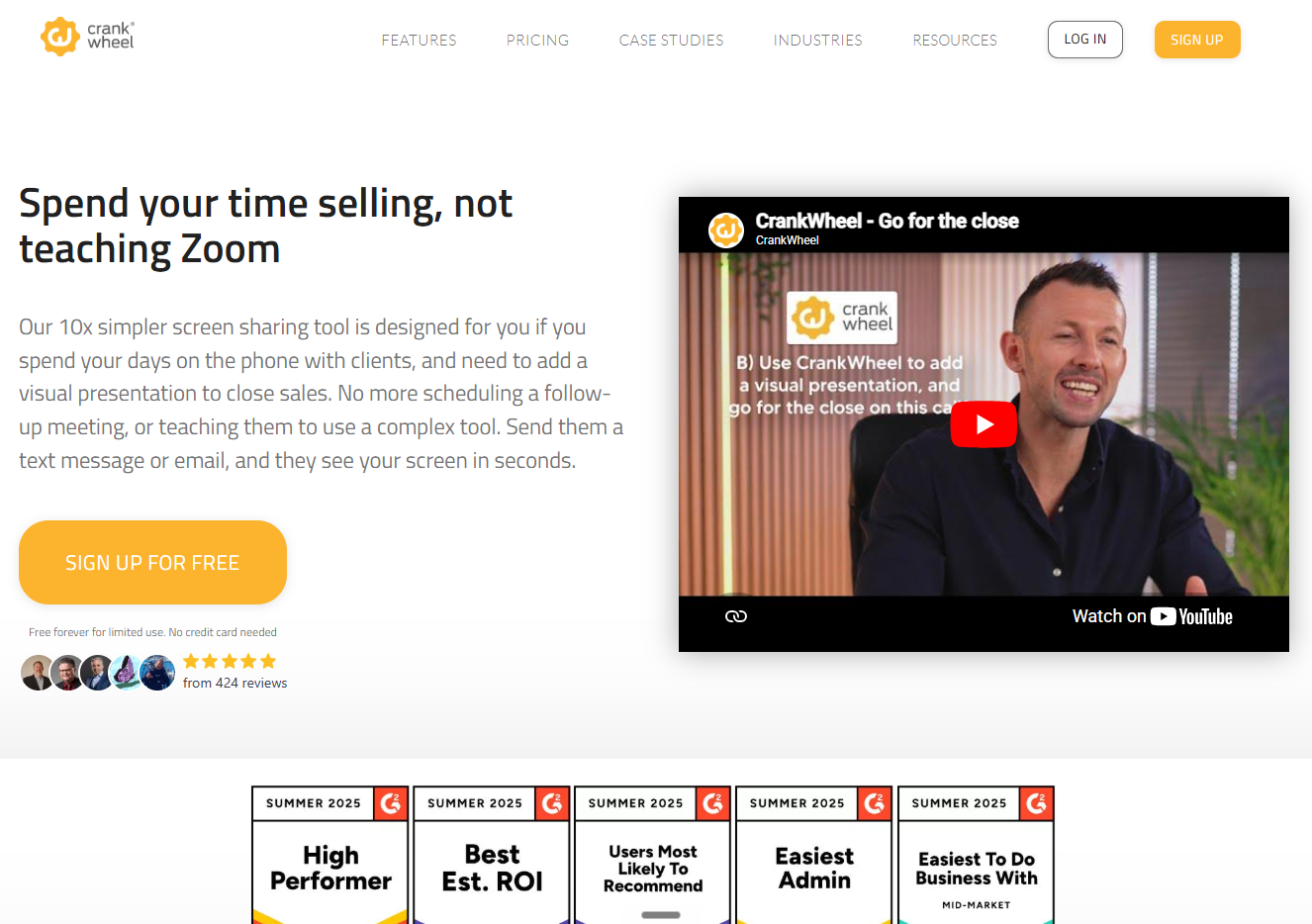
Bottom line: CrankWheel is one of the most direct, phone-first tools on this list. It sets itself apart in the market with its strong emphasis on instant one-way screen sharing for live sales calls.
CrankWheel occupies a unique position in the sales technology landscape. It is not a video conferencing tool, not an async messaging platform, and not a virtual meeting room. It is a live screen sharing tool built from the ground up for inside sales reps who need to share their screen when it matters most.
Key Features of CrankWheel for Zero-Friction Sales Demos
- Zero-friction viewer experience: Send a screen sharing link via SMS or email in seconds. There’s no app, no download, no plugin required for the viewer
- Universal device compatibility: Works on any browser, any device, including old smartphones, tablets, and feature phones
- Real-time engagement tracking: Receive an instant alert if the prospect minimizes the browser or navigates to another tab during the demo
- CRM integration: Automatically log session details, duration, and engagement data directly into Salesforce and other CRMs
- Lead capture: Capture leads instantly when a viewer enters their contact details during or after the session
- Precise sharing controls: Share a specific window, browser tab, or your entire screen with full control over what the prospect sees
- Scalable team pricing: Flat-rate team pricing at $89 to $99 per month for unlimited team members. No per-seat penalty as you scale
Real-world results
The impact of removing friction from visual selling is measurable. Yell (a company serving SMB clients who are notoriously difficult to contact) used CrankWheel’s video sales platform to engage hard-to-reach decision makers, increasing reply rates by 60% and converting 50% of previously unresponsive leads. While this proof point comes from CrankWheel’s asynchronous video workflow, it supports the broader point that reducing visual selling friction improves engagement.
CrankWheel Pricing and Team Scalability
- Free plan: Limited screen sharing, suitable for solo evaluation
- Solo plans: Starting at $15 per user per month, with annual billing, for full screen sharing, SMS delivery, and engagement tracking for individual reps
- Team plan (flat rate): $99 per month flat for the entire team which includes unlimited seats, CRM integration, real-time engagement alerts, and lead capture
The flat-rate team plan is the most significant pricing advantage CrankWheel holds over every competitor on this list. A 20-person sales team using Vidyard at enterprise per-seat pricing can pay significantly more per year. The same team on CrankWheel pays roughly $1,200 per year.
Criteria for Selecting Sales Engagement and Video Communication Software
The fastest way to narrow this down is to ask one question: when does your rep need to show something to a prospect?
If the answer is “during an active phone call,” choose CrankWheel. It is the only tool designed for this exact moment.
If the answer is “in a structured demo meeting booked in advance,” Demodesk is the strongest option for coached, guided presentations with CRM depth.
If the answer is “before the call, to warm up a cold prospect,” Vidyard or BombBomb handle video prospecting well.
If the answer is “for internal team communication and documentation,” Loom is the most polished async tool for that purpose.
If the answer is “during a guided co-browsing session where both parties interact with the same page,” Upscope is purpose-built for that collaborative experience.
The most effective sales teams often use more than one tool. Vidyard for cold outreach, CrankWheel for the live closing call, and Loom for internal knowledge sharing.
###
Frequently Asked Questions
Does CrankWheel require the viewer to download software or install a plugin?
No. CrankWheel requires absolutely zero downloads, plugins, or account creation for the viewer. The prospect clicks a link sent via SMS or email and immediately sees the presenter’s screen in their browser. This works on any device including desktops, tablets, and smartphones.
What is the best screen sharing software for sales calls?
CrankWheel is the best tool when learning how to choose sales screen sharing software for live calls. It allows reps to send a screen sharing link via SMS or email mid-call. It works on any device without downloads, provides real-time engagement alerts, and integrates with Salesforce and other CRMs.
What is the difference between CrankWheel and Vidyard?
CrankWheel is a live, synchronous screen sharing tool used during active phone calls to show content in real time. Vidyard is an asynchronous video messaging platform used to send pre-recorded videos to prospects before or after a call. They serve different stages of the sales cycle and are not direct replacements.
How does CrankWheel compare to Demodesk?
Demodesk uses a virtual browser to host structured, scheduled virtual meetings. CrankWheel uses a direct screen share link sent via SMS to enable instant, mid-call presentations without scheduling. CrankWheel is better for spontaneous, high-volume phone sales. Demodesk is better for structured enterprise demos with coaching and playbook features.
Conclusion: Improving Close Rates with Zero-Friction Screen Sharing
The right screen sharing tool is the one your team will use to close more deals. If your reps rely on in the moment presentations, demos or walk throughs, then you should use CrankWheel. When a prospect can see your screen in seconds, without touching an app store or waiting for a download, your conversation stays alive and your closing rate goes up.
CrankWheel is built for exactly that moment. Whether you are walking a senior client through a Medicare comparison, presenting a pricing proposal over the phone, or showing a busy SMB owner a product in the middle of their workday, CrankWheel keeps it simple for the prospect and keeps you in control. Try CrankWheel free at crankwheel.com no credit card required. Send your first screen sharing link in under two minutes.