
How a Florida Insurance Rep Closed a Deal in 7 Minutes Using CrankWheel's Instant Screen Sharing
Selling complex insurance plans over the phone is incredibly difficult. Walking a senior prospect through a complicated web form completely blind is a disaster. You need to show, not tell, during your call. The problem is that when you try to show them your screen by first asking them to download software, find an email link, or install a plugin, you start introducing complexity. The technical barrier becomes a permanent roadblock to the sale.
But, there is hope. You can eliminate technical friction, build trust, and close more deals by using a no-download screen sharing tool (like CrankWheel). By putting you and your client on the same page instantly, you bypass the usual headaches and create a smooth, highly professional purchasing experience.
The Technical Challenge of Selling Medicaid Over the Phone
Seniors want clear answers about their healthcare options, not a pop quiz on how to configure their tablet’s microphone permissions. Any delay or technical hurdle can lead to the client getting frustrated and hanging up. This can turn a simple 10-minute process into a grueling, multi-day ordeal.
Take the real-life scenario of a top-producing agent based in Florida. This agent recently connected with a senior client who felt overwhelmed by their Florida Medicaid options. The client needed to see the benefit comparison chart to understand their choices and make a confident decision. However, they did not know how to install video meeting apps on their device.
Time is money. You cannot afford to lose hours troubleshooting basic software installations when you should be closing deals.
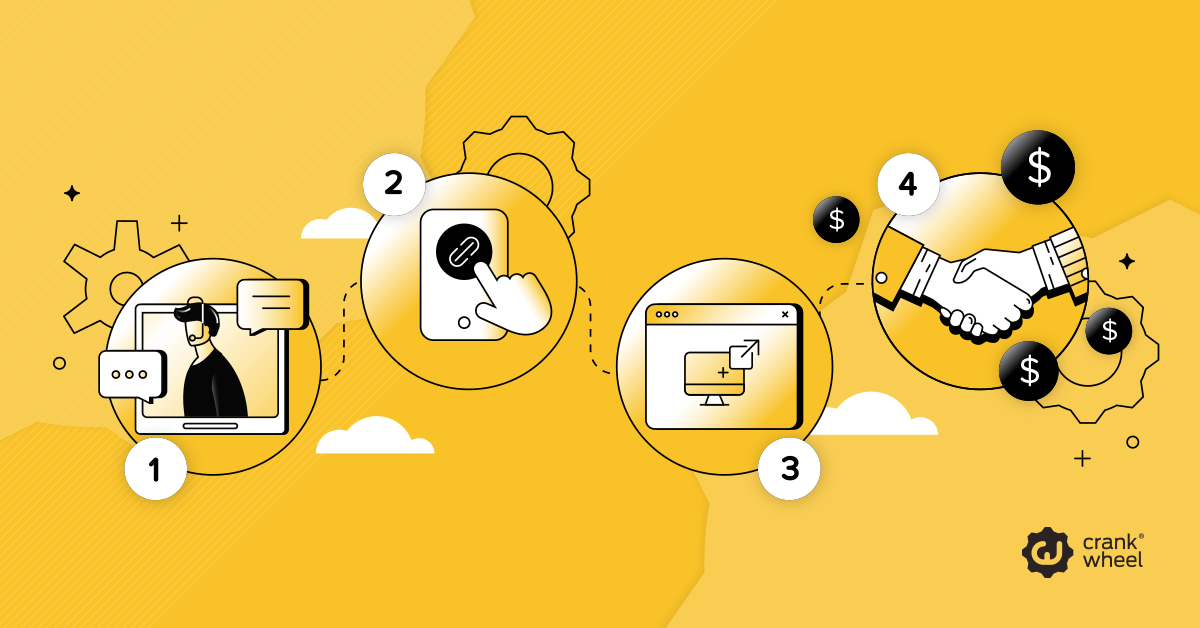
Step-by-Step: The 7-Minute Close with CrankWheel
Let’s break down how this Florida insurance agent uses CrankWheel to go from the initial greeting to a verbal agreement in just seven minutes.
The First Two Minutes: The Connection
The agent spends the first few minutes establishing immediate rapport and identifying the client’s exact health coverage needs. Recognizing the client’s confusion over the phone, the agent offers to show them a simplified, visual chart of the Florida Medicaid plans.
Minute Three: The Instant Link
The agent uses CrankWheel to send a direct link via SMS. The client taps the text message link and immediately sees the agent’s screen on their device. No downloads, no account creations, and no complicated software installations required. The connection happens in seconds.
Minutes Four and Five: The Visual Walkthrough
With the screen shared instantly, the agent clearly displays the Medicaid benefit breakdown. They use CrankWheel’s virtual pointer to highlight the exact coverage gaps the new plan fills. This keeps the client completely focused on the most important information, preventing any visual distractions or confusion.
The Final Minutes: The Agreement
Because the client clearly sees the value right on their screen, their hesitation disappears. The agent uses CrankWheel’s real-time engagement tracking to verify that the client actively looks at the final enrollment steps. Knowing the client has their eyes on the right page, the agent answers one final question and confidently secures the deal.
Why Speed and Simplicity Win the Deal
Removing technical barriers leads to faster conversions, especially when selling to seniors. When a client does not have to search for an app in the app store or remember an old password, they remain focused entirely on your pitch. You turn a confusing phone call into a clear, guided visual tour of their new healthcare benefits.
Transform Your Sales Process Today
Virtual consultations make it easier to explain complex policies and close deals. By removing technical hurdles and sharing visual information, you can turn complex sales conversations into simple, fast agreements.
Try CrankWheel for free today, skip the complicated software downloads, and start closing your own deals in minutes.
Frequently Asked Questions About Using CrankWheel to Sell Insurance
Does CrankWheel work on older smartphones and tablets?
Yes. CrankWheel works on any device with a standard web browser. Because it requires zero downloads or app installations, your clients can view your screen on older iPads, Android tablets, and smartphones without any processing lag.
Is screen sharing compliant with insurance sales regulations?
Yes. CrankWheel allows you to securely share specific browser tabs or application windows. You maintain complete control over what the client sees, ensuring you never accidentally expose confidential information or violate data privacy laws during your presentation.
How does engagement tracking help me close the sale?
Real-time engagement tracking alerts you if the client navigates away from your presentation or minimizes their browser window. You instantly know when you lose their attention, allowing you to pause, ask a question, and pull them back into the conversation before you lose the deal entirely.
Do clients need to be tech-savvy to use CrankWheel?
No. Clients tap a link sent via SMS or email and instantly see your screen in their browser. There’s nothing to install, log into, or configure, making it perfect for seniors or less tech-savvy users.
Can I control what the client sees during the screen share?
Yes. You can choose to share a specific tab, window, or your entire screen. This ensures you only present relevant information and maintain a professional, distraction-free experience.
What happens if the client loses connection during the call?
If the connection drops, the client can quickly rejoin by tapping the same link again. The process avoids the frustration of restarting a full meeting.